Fixed IP badge
Use the ip parameter when you want a stable badge for one public IP.
<a href="https://ping123.app/ip-risk/?ip=1.1.1.1" target="_blank" rel="noopener">
  <img src="https://ping123.app/badge/ip-risk.svg?ip=1.1.1.1" alt="ping123 IP Risk">
</a>
[](https://ping123.app/ip-risk/?ip=1.1.1.1)
Current visitor badge
Omit the ip parameter to check the current visitor through the Worker request.
<a href="https://ping123.app/ip-risk/" target="_blank" rel="noopener">
  <img src="https://ping123.app/badge/ip-risk.svg" alt="ping123 Current Visitor IP Risk">
</a>
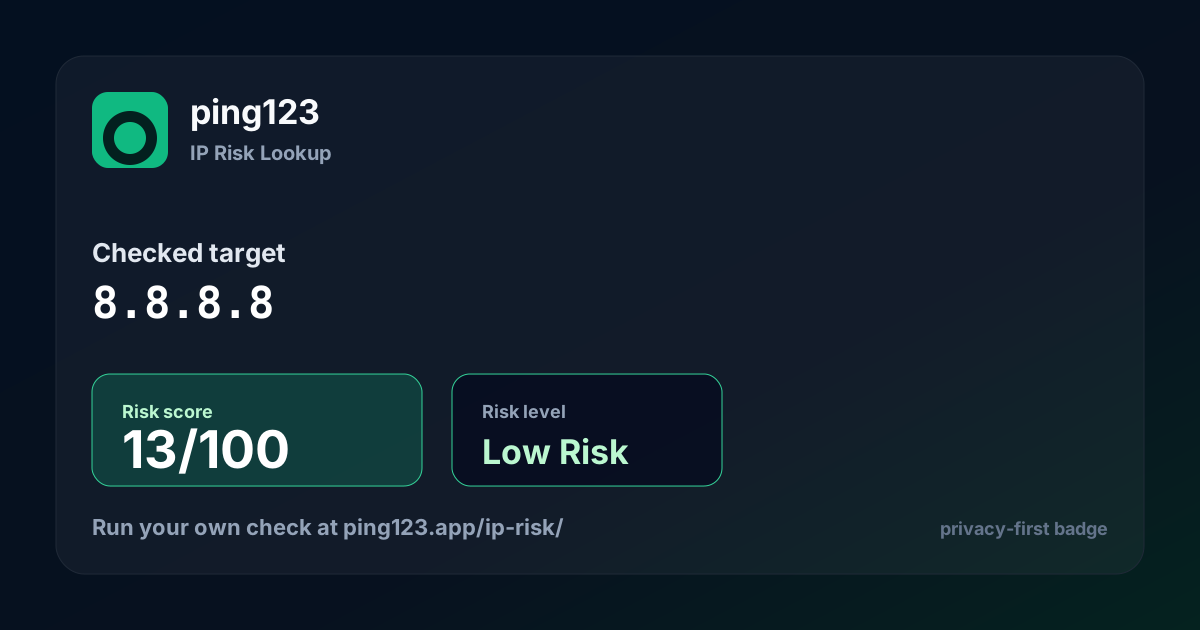
Share card
Use the large SVG card in security writeups, social previews, and long-form articles.
<img src="https://ping123.app/badge/card.svg?ip=8.8.8.8" width="600" alt="ping123 IP Risk share card">
Trust Seal
Use the static seal when you only need a brand trust marker.
<a href="https://ping123.app/ip-risk/" target="_blank" rel="noopener">
  <img src="https://ping123.app/badge/seal.svg" width="180" alt="Checked by ping123">
</a>
Parameters
The ip parameter is optional. API keys stay server-side and are never exposed in embed code.
/badge/ip-risk.svg?ip=1.1.1.1
/badge/ip-risk.svg
/badge/card.svg?ip=8.8.8.8
/badge/seal.svg