Save more than one IP
Keep multiple named profiles with a proxy address, port and protocol. Add credentials when supported.
 ping123
PING123 PROXY HELPER
Save the proxies you use. Switch your Chrome connection in a click. Then check your exit IP with Ping123.
Chrome Web Store review in progress.
Installation will be available after release.
Free extension · English interface · Bring your own proxies
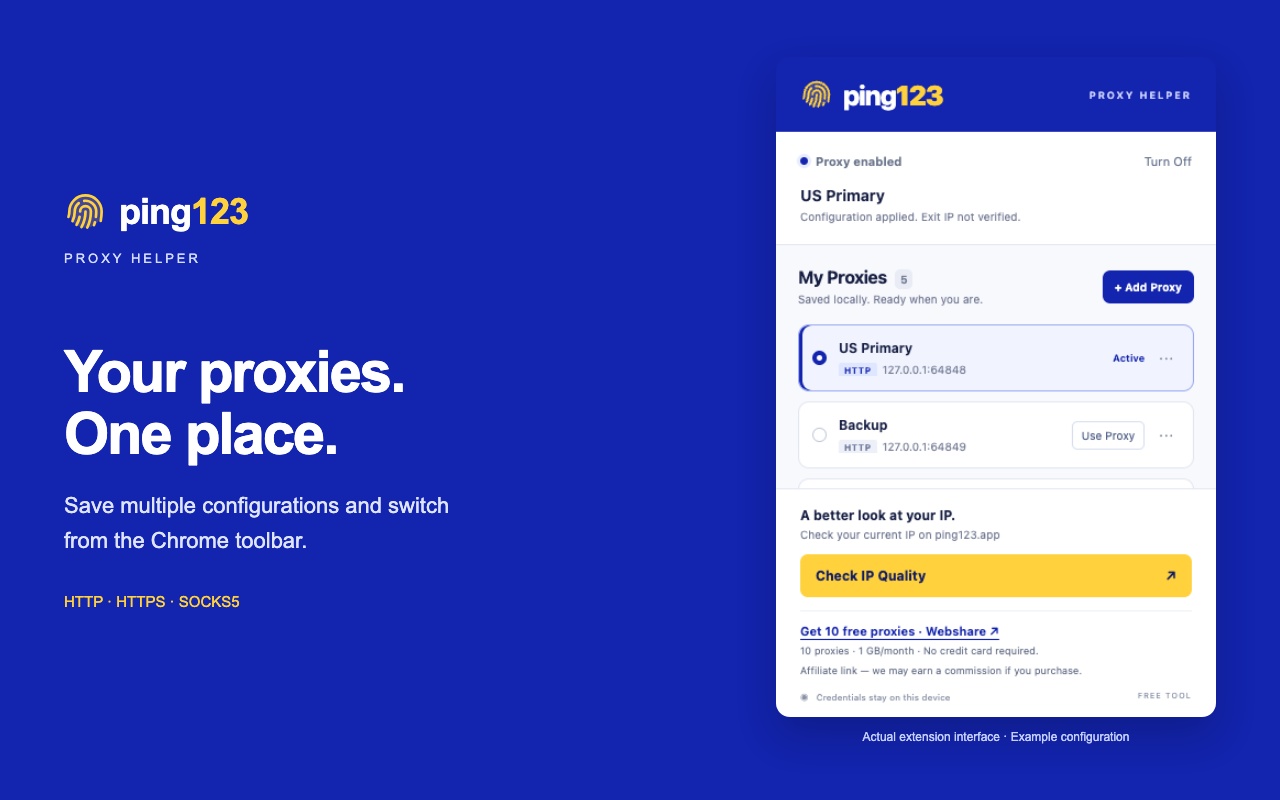
Keep multiple named profiles with a proxy address, port and protocol. Add credentials when supported.
Choose a saved profile to change Chrome’s proxy. Turn it off to restore the browser’s underlying settings.
Open Ping123 from the extension to inspect your exit IP, network information and IP risk signals.
SAVE. SWITCH. CHECK.
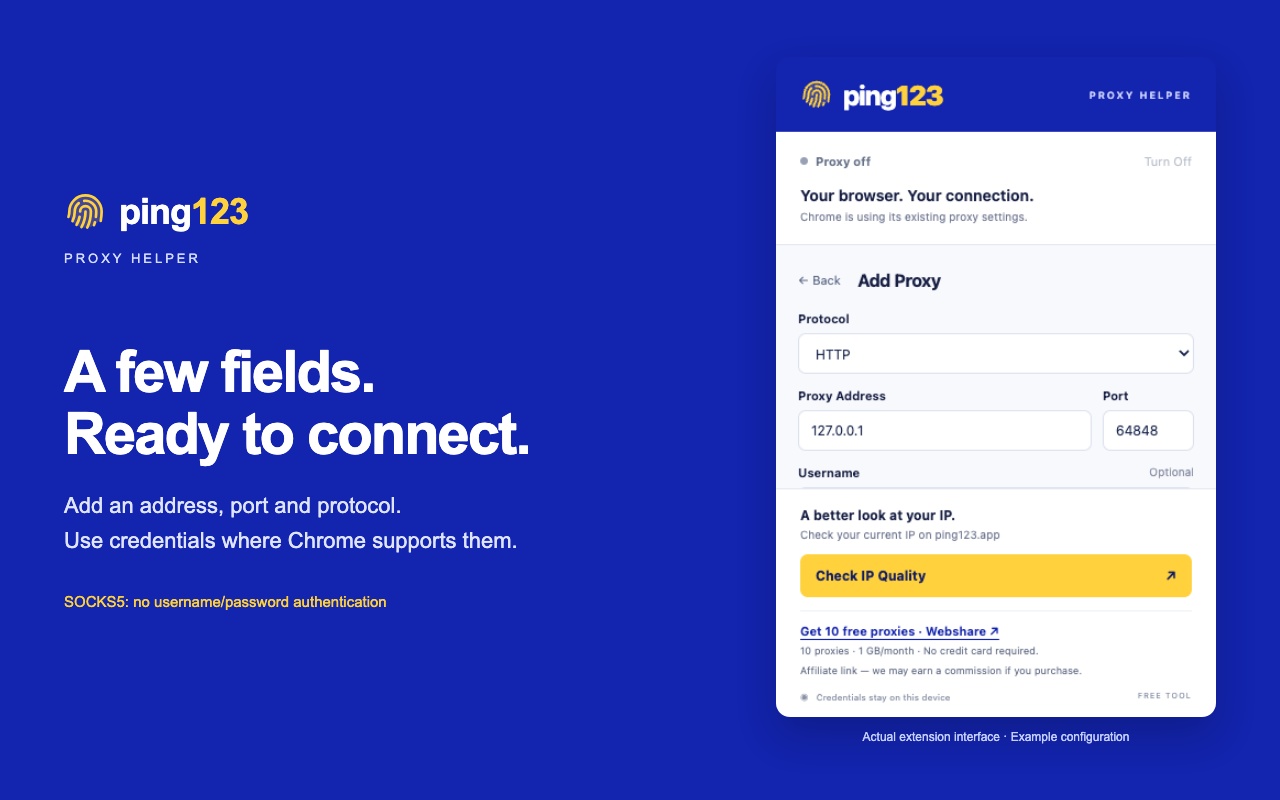
Enter the address, port and protocol supplied by your proxy provider.
Give it a name you recognize. Add more profiles whenever you need them.
Apply the profile, browse in Chrome, and open Check IP Quality when you want to inspect the connection.
PROTOCOLS
HTTP and HTTPS proxies support username/password authentication. Chrome does not support username/password authentication for SOCKS5 proxies.
ON YOUR DEVICE
Profiles are stored in your Chrome profile, with no Ping123 account required and no profile sync to our servers. Credentials are used for the proxy you select.
Read the extension privacy notice ↗GOOD TO KNOW
The extension manages proxies you supply. You choose the provider, IP type and traffic plan. An optional Webshare affiliate link appears in the extension; we may earn a commission from qualifying purchases. Purchases are optional and do not unlock features.
The extension is currently under Chrome Web Store review. This page will link to the official store listing after release.
It changes Chrome’s proxy settings. It does not provide separate browser identities, per-tab proxies, fingerprint spoofing, WebRTC leak protection, incognito support or routing for other apps.
Turn Off clears this extension’s proxy setting and restores Chrome’s underlying configuration. Your saved profiles remain available.
Chrome can cache proxy credentials. Switching credentials for the same endpoint may require turning the proxy off and fully restarting Chrome. The extension warns you when this is needed.
Start with a free check of your current connection.
Check my IP